
Receiving Bitcoin is even easier than sending it—most of the work is done by the sender. Your main job? Share your Bitcoin address and wait for the funds to arrive.
What Is a Bitcoin Address?
A Bitcoin address is like your digital mailbox—it tells others where to send your Bitcoin. It’s generated by your wallet and can be shared in two forms:
- An alphanumeric string (26–35 characters)
- A QR code that can be scanned with a smartphone
Here are some example addresses:
1FeexV6bAHb8ybZjqQMjJrcCrHGW9sb6uF34xp4vRoCGJym3xR7yCVPFHoCNxv4Twseobc1qa5wkgaew2dkv56kfvj49j0av5nml45x9ek9hz6
Most wallets automatically generate a new address for every transaction. This helps protect your privacy by making it harder to track your transaction history.
How to Find Your Bitcoin Address
To receive Bitcoin, simply open your wallet app:
- Your current Bitcoin address will usually be shown on the “Receive” screen.
- You can copy the address or display it as a QR code for someone to scan.
How to Share Your Address
You can send your address via:
- Text message
- QR code (great for in-person transfers)
Most wallets make it easy to copy/paste your address or display a QR code directly on your screen.
Is It Safe to Share My Bitcoin Address?
Yes, it’s safe to share your Bitcoin address publicly. Here’s why:
- Nobody can access your funds with just your address. They’d need your private key or recovery phrase.
- However, because Bitcoin’s blockchain is public, anyone who knows your address can see its balance and transaction history using a block explorer (like Blockchain.com or Blockstream.info).
Tip:
To protect your privacy, use a new address for each transaction. Most wallets make this simple with the click of a button.
In short:
To receive Bitcoin, open your wallet, share your address, and wait for the sender to complete the transaction. Your wallet will notify you once the BTC arrives.
Related Articles

What Does IFCCI Do? Advancing Financial Education, Certification and Research
7 Aug 2026
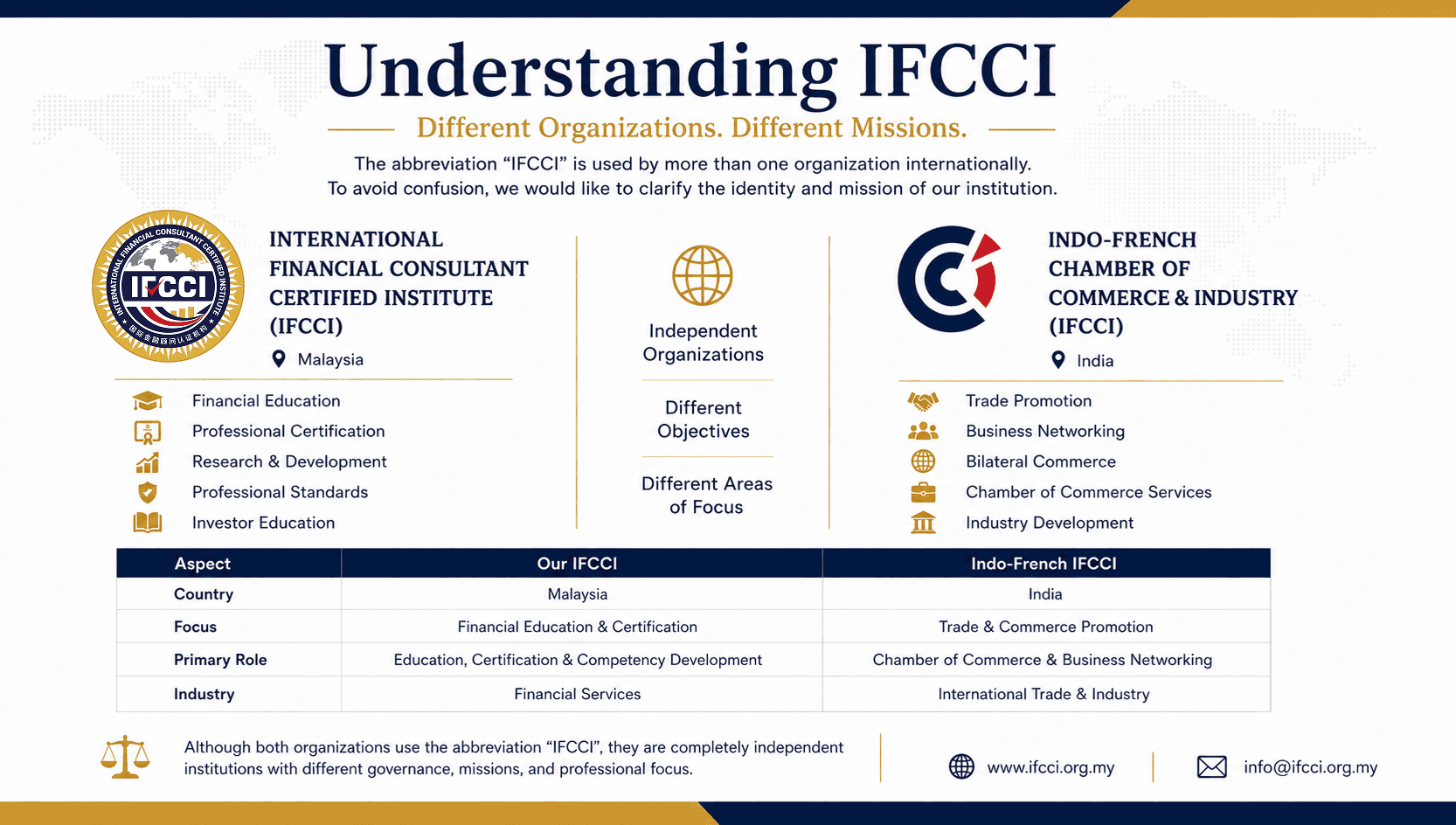
Understanding IFCCI: International Financial Consultant Certified Institute and Other Organizations Using the IFCCI Acronym
27 Jul 2026

Why International Financial Skills Championships Matter in Developing Global Financial Excellence
13 Jul 2026