
Ready to Buy Your First NFTs? Here’s What You Need to Know
Before diving into purchasing NFTs, make sure you understand the fundamentals of non-fungible tokens and the potential risks involved. If you’ve completed your NFT basics and are confident you’re not acting out of FOMO, here’s a clear, step-by-step guide to help you buy your first NFT.
1. Create an NFT-Compatible Wallet
As covered in the “Beginner’s Guide to Crypto Wallets,” crypto wallets don’t actually store your coins or tokens. Instead, they securely store the private keys that grant you access to your digital assets. These keys are invaluable — losing them or sharing them carelessly can mean losing access to your NFTs and cryptocurrencies forever.
It’s crucial to understand the difference between wallet types:
- Hot wallets provide convenient access but are more vulnerable to hacks and scams.
- Cold wallets (hardware wallets) offer stronger security but can be less convenient.
Think of your NFT as a concert ticket — it proves your ownership. You wouldn’t want to lose your ticket or hand over your phone or house keys (your seed phrase or private key) to strangers.
When selecting a wallet, ensure it is compatible with:
- The blockchain hosting the NFTs you want to buy
- The cryptocurrency or fiat currency used for payment
- The NFT marketplace where you plan to trade
Not all wallets support NFTs or work with every blockchain, so verify compatibility before creating one.
For beginners, MetaMask is a popular choice. It supports NFTs and major blockchains and is easily accessible as a browser extension on Google Chrome. When setting up your wallet, you will receive a seed phrase—a set of 12 to 24 words—that serves as your master key. Store this phrase offline in a secure location, away from digital devices.
Once your wallet is set up, it will display your balances across supported networks.
2. Connect Your Wallet to an NFT Marketplace
Next, confirm your wallet is compatible with your chosen NFT marketplace. Popular platforms like OpenSea and Rarible clearly list compatible wallets on their sites.
Some mobile apps simplify wallet connections via QR codes.
NFT marketplaces generally fall into three categories:
- Open marketplaces: Anyone can buy, sell, or mint NFTs.
- Closed marketplaces: Restricted to selected artists and sellers.
- Proprietary marketplaces: Sell NFTs tied to a specific brand or company.
Once compatibility is confirmed, you’re ready to fund your wallet.
3. Secure Your Funds
Most major NFT marketplaces accept credit and debit cards, but the primary currency across NFT platforms remains Ethereum (ETH). ETH is widely supported and available on centralized crypto exchanges like Binance, Coinbase, and Gemini.
Keep in mind that exchange wallets hold your private keys, meaning if the exchange is hacked or restricts your account, you could lose access to your assets. The mantra here is: “Not your keys, not your coins.” For greater control, transfer your ETH to your personal wallet connected to the NFT marketplace.
To transfer ETH from an exchange to your wallet:
- Withdraw ETH from your exchange account
- Enter your wallet’s public address (a 42-character hexadecimal string)
- Confirm and wait for the transaction to process (check status on Etherscan.io)
Be aware that transfers and NFT purchases may incur gas fees—transaction costs charged by the Ethereum network.
4. Choose Your NFT
With your wallet connected and funded, it’s time to select an NFT. Start with creators or collections you already follow or trust. Social media platforms like Twitter often highlight trending NFTs and artists.
Marketplaces also feature trending and recommended collections that can help you find NFTs of interest.
NFTs are usually sold via:
- Timed auctions: Similar to eBay, where the highest bid wins, or sellers may accept offers during the auction.
- Direct purchase: Buy immediately at the listed price.
- Offers: Some platforms allow buyers to make offers on NFTs not currently for sale or to propose a lower price.
Before completing a purchase, the marketplace will show transaction details such as:
- Recipient’s public address
- NFT price
- Estimated gas fees
- Total purchase cost
Note that prices and gas fees can fluctuate rapidly, so plan accordingly.
After confirming your purchase, it may take anywhere from seconds to minutes for the transaction to complete and your NFT to appear in your account. For example, OpenSea displays purchased NFTs in your profile.
Ready to check out your new NFT? Simply open your connected wallet, like MetaMask, to view your digital asset.
Related Articles

What Does IFCCI Do? Advancing Financial Education, Certification and Research
7 Aug 2026
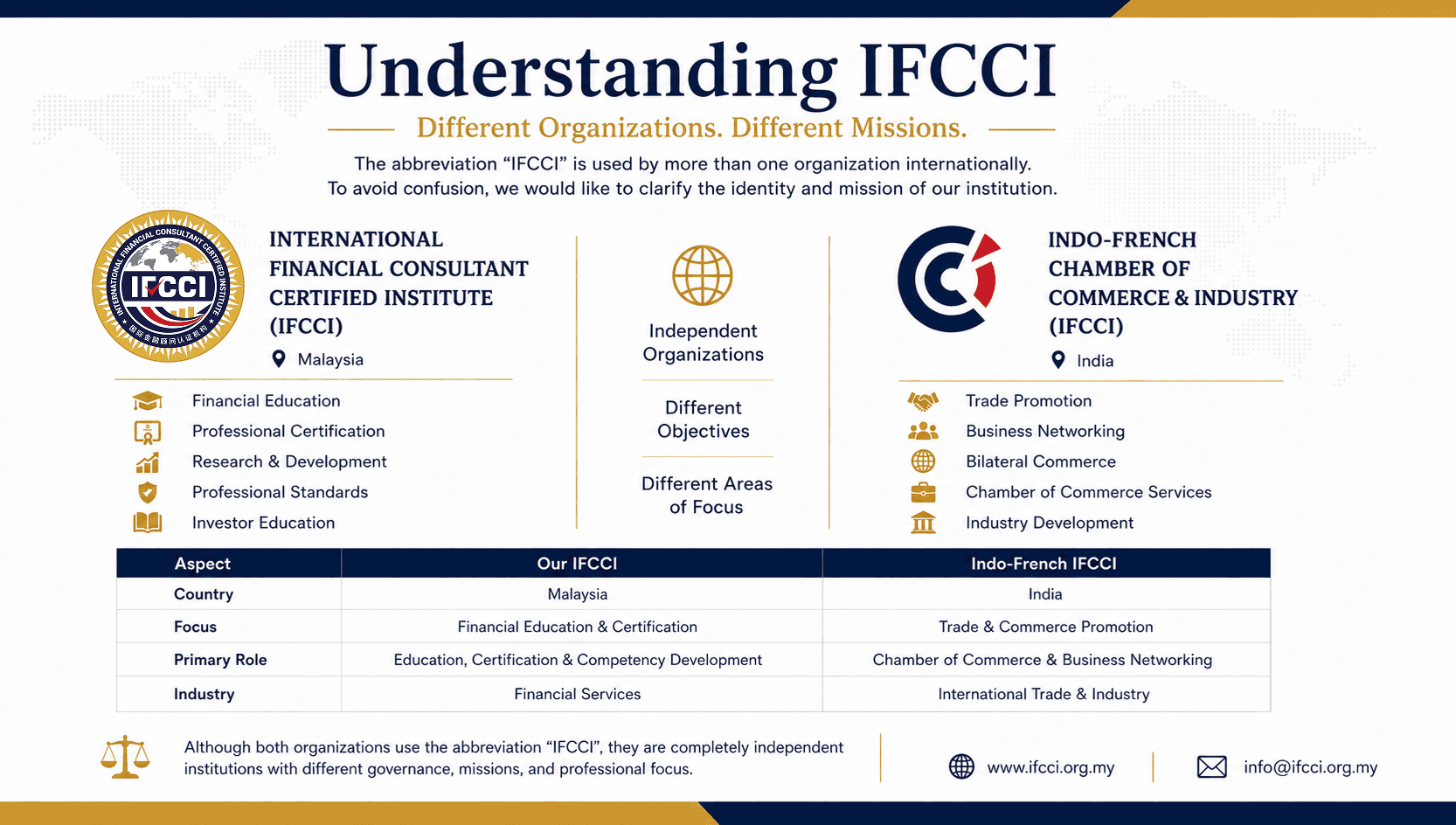
Understanding IFCCI: International Financial Consultant Certified Institute and Other Organizations Using the IFCCI Acronym
27 Jul 2026

Why International Financial Skills Championships Matter in Developing Global Financial Excellence
13 Jul 2026